For teams of 2 to 10 people
Your team's tasks, messages, documents and prices in one place. Type, dictate or photograph — and find it all with a single word, months later.

No password to remember · Available on the App Store and Google Play · Works offline
The problem
A price given out loud. An instruction buried in a six-hundred-message WhatsApp thread. An invoice photographed, then lost. A decision made in a meeting that nobody remembers exactly.
As long as everyone is around, it holds. The day someone is away, on leave or leaves for good, the knowledge goes with them.
“Do you remember the price we gave that client?”
The answer
Zakora doesn't ask you to change your habits: it asks for one gesture, always the same. You type, dictate or photograph. The rest files itself.
How it works
No training needed. Someone who has never used a management tool is productive on day one.
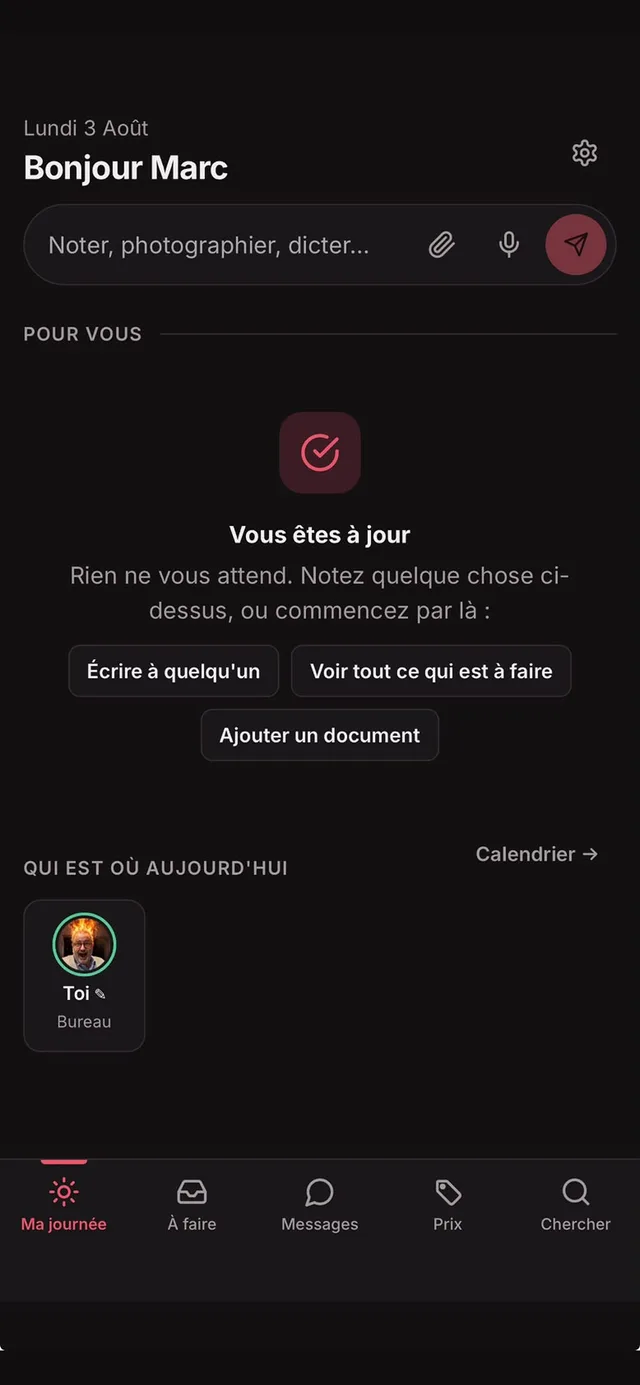
At the top of every screen: a note, a photo of an invoice, a thirty-second voice message. Three seconds is enough, even with no signal.
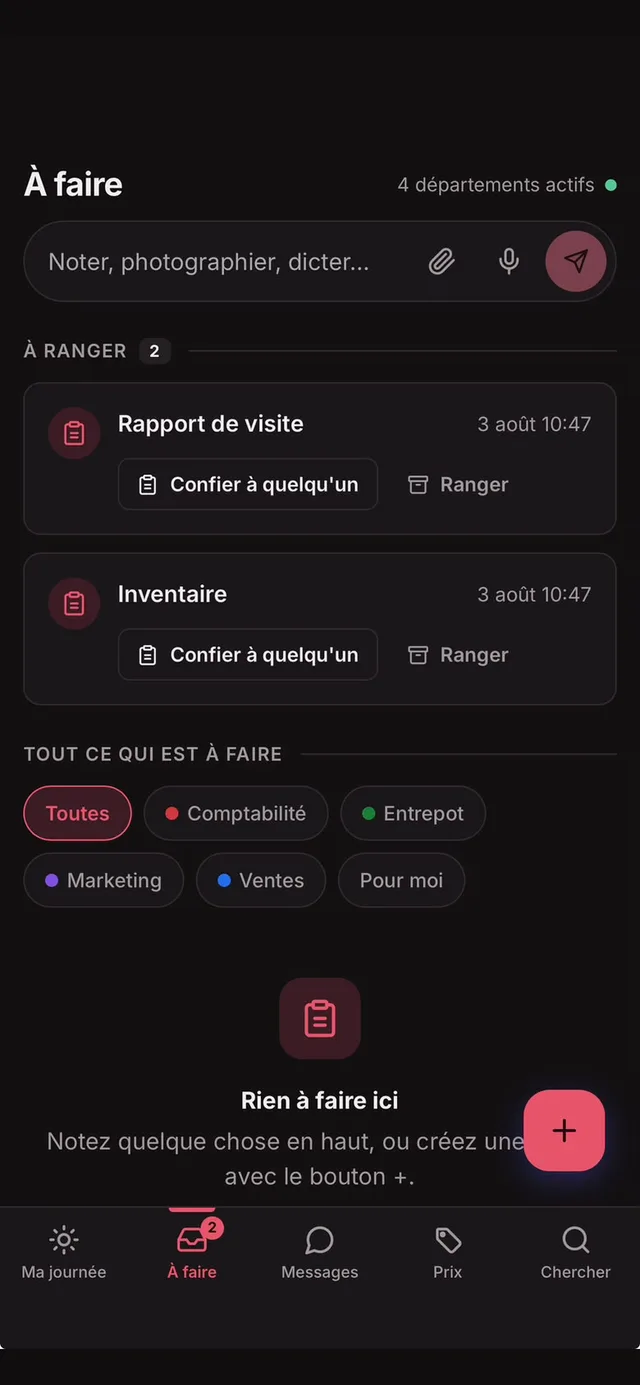
You choose who handles it and who stays informed. They see it in their day and get a notification.
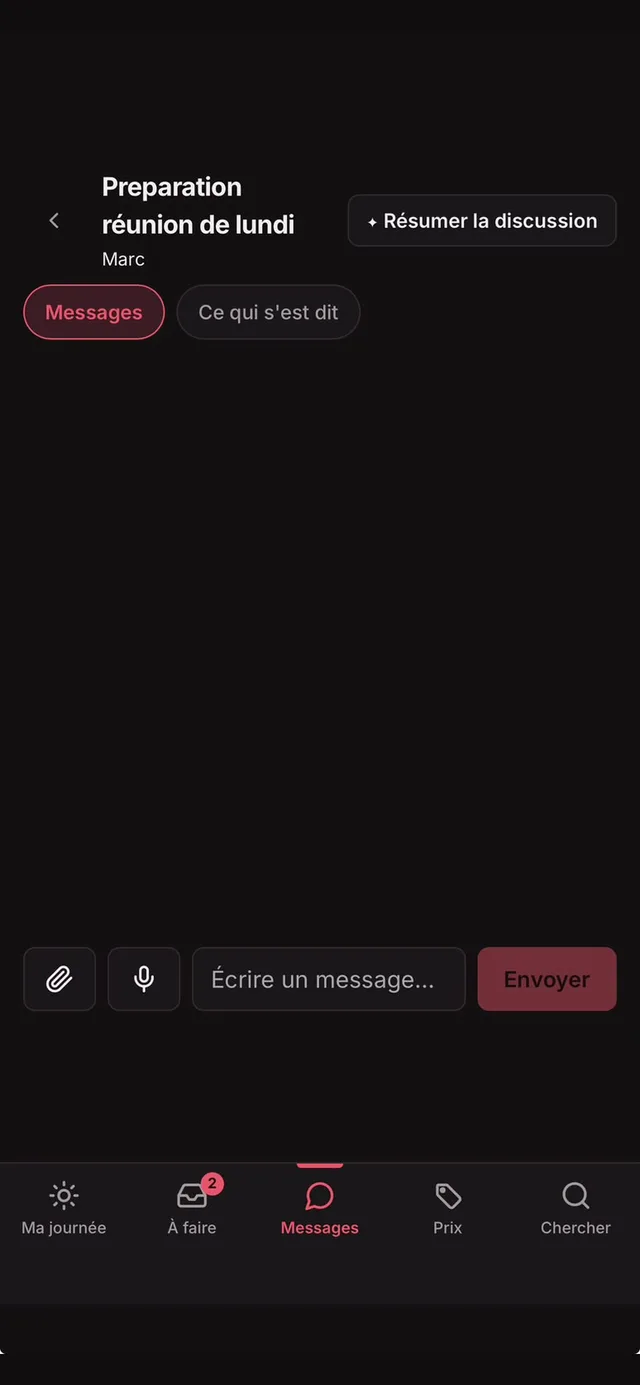
Conversations by topic, with the right people. Every morning the AI extracts decisions, actions and open questions.
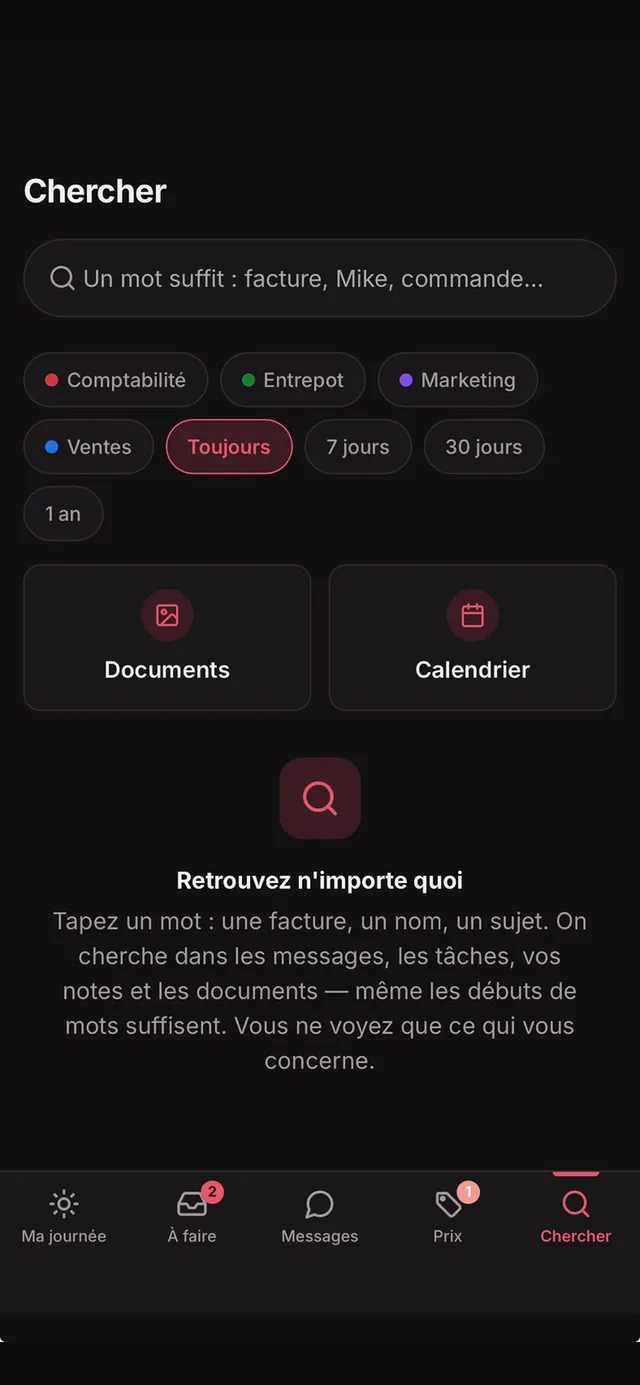
One word is enough — even the start of one. Search covers messages, tasks, notes, transcribed voice messages and documents.
Everyone says whether they're at the office, travelling or off. A mundane detail that saves ten phone calls a week.
Ask by text, photo or voice; someone answers; the answer stays. The second time, it appears before you finish typing.
What's inside
Every feature exists because a team needed it. Nothing was added to fill a brochure.
A single list: what's overdue, messages waiting, notes to file. And every morning, one sentence sums up your day — on screen and as a notification.
One person responsible, others kept informed, a due date. Whatever stalls gets a polite reminder — once, never twice.
Conversations by topic, transcribed voice messages, reactions. Every morning, active discussions are summarised into decisions and actions, sources cited.
Call your team from the app. When you hang up, the call is transcribed and summarised — decisions become tasks in one tap.
Ask in plain words: "how much was it last time?" Your team's memory answers in one sentence, with its sources.
Photograph a product: the reference is read, the last known price appears, the history builds itself.
Forward any email to your Zakora address: it becomes a note, summarised in one sentence — who wrote, what was decided, the dates.
Photos, PDFs, spreadsheets, filed by topic. A photo can be described automatically so it becomes searchable.
One organisation, several companies — or one company split into departments. Everyone sees only their own scopes.
Claude or ChatGPT acts in Zakora on your behalf: create a task, hand it over, find what was decided. It sees only what you see, and you cut the access in one click.
Zakora reads your management software — read-only — and posts yesterday's figure into the team conversation each morning. Nobody retypes it in the evening.
The app, for real
Your data
Every stored row carries the identity of its organisation, and the database itself refuses to return what belongs to someone else. It isn't a rule the software chooses to follow: it's a constraint it cannot bypass.
Installation
Zakora is on the App Store and Google Play — or opens right in a browser and adds itself to the home screen, nothing to install. The same account, everywhere.
Pricing
Try it free for 30 days, no credit card. Then one price per organisation — not per person: your team grows, the bill doesn't move.
per organisation, up to 10 people
Everything included: tasks, messages, summarised calls, price tracking, a searchable memory — and every update.
or €490/year excl. VAT — two months free
30-day trial, no card · Then read-only until you subscribe · For businesses only
The mobile apps are free. Both the trial and the subscription are managed here, on the web — never inside the apps.
Good to know
Zakora is a web application for the collective memory of small teams of 2 to 10 people. It brings tasks, conversations, documents, transcribed voice notes and price requests together in one place, all searchable with a single word.
As you prefer: Zakora can be downloaded from the App Store and Google Play, or it opens in a browser and adds itself to the home screen with nothing to install. It works on Android, iPhone, computer and tablet.
Through a link sent by email, with no password. New members join an existing organisation via an invitation link sent by an administrator.
Yes. Every record carries the identity of its organisation and the database itself refuses to return another organisation's data. One organisation can hold several companies, or split a single company into departments.
Yes for capture: a note, photo or voice message recorded without a connection is kept on the device and sent automatically when the network returns.
Pricing is being defined. Access is opened case by case to the first teams; requests go to info@zakora.eu.
Create your organisation in two minutes, invite your colleagues, and watch what stops getting lost.
Open Zakora